App Store
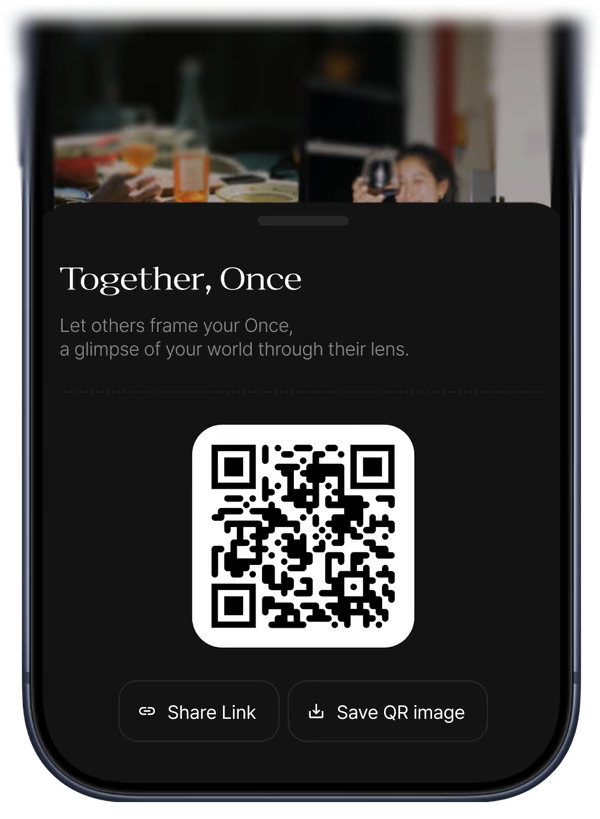
Share instantly with QR or link
Place a small printed QR in the living room or send the link in your group chat. Everyone can join in seconds and start capturing the day together.

FOR PARTY
From a simple birthday at home to a quiet night with family and friends, Once helps everyone capture the warm, unplanned moments that make these days unforgettable.
Create your event for free
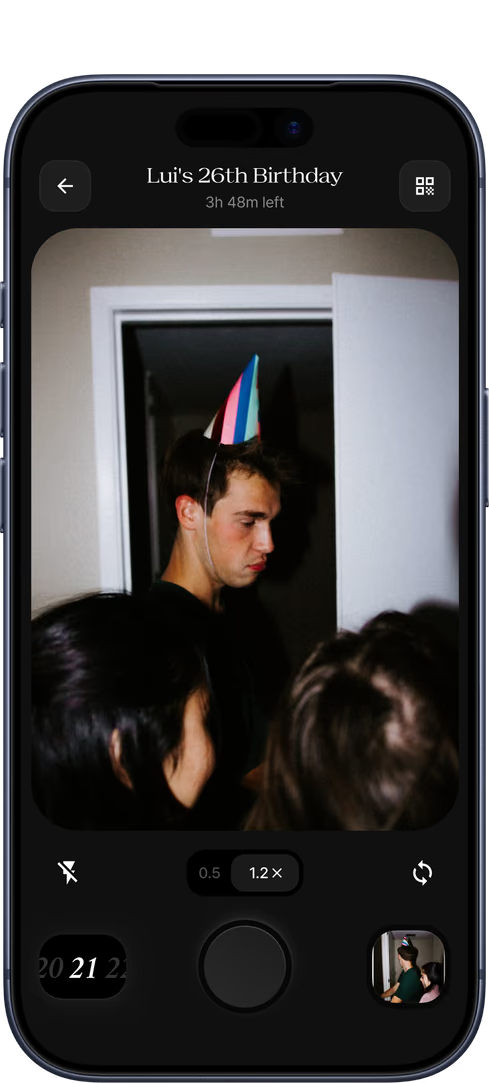
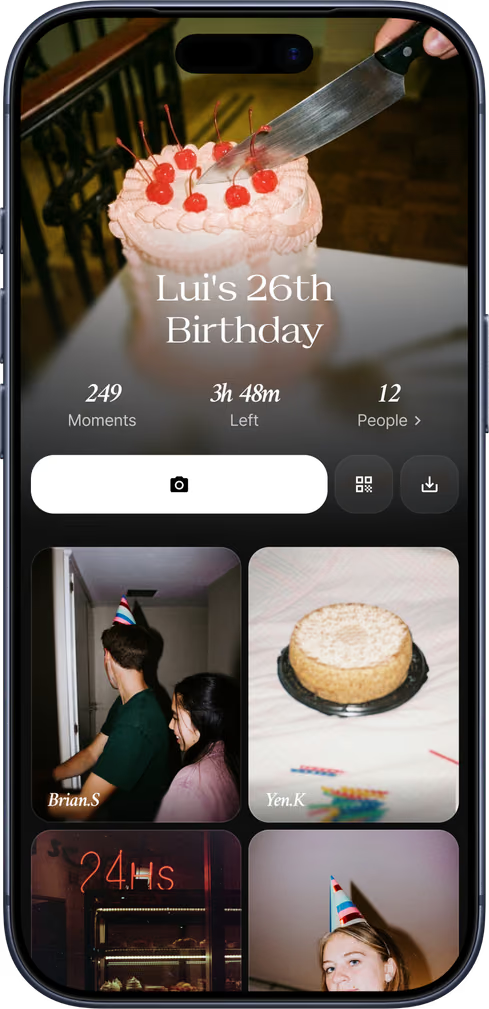
It’s the quiet laughs between friends, the way someone lights up when they’re not trying, the small moments you would have missed. Once brings these pieces together so you can remember exactly how the day felt.
Place a small printed QR in the living room or send the link in your group chat. Everyone can join in seconds and start capturing the day together.
All your photos are safely stored and never expire. Relive your party anytime and keep the memories growing with the people you love.
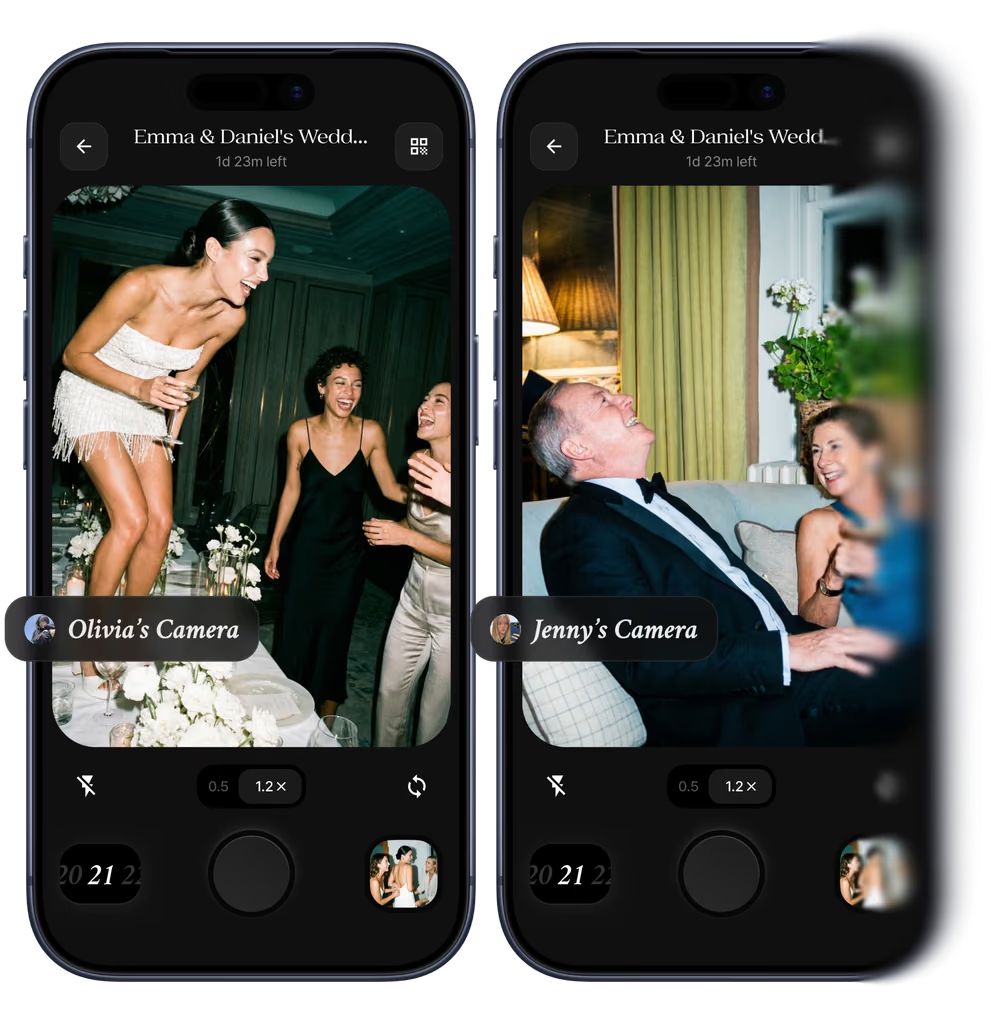
Your guests can start taking photos right away. No sign ups, no installs, just pure moments.
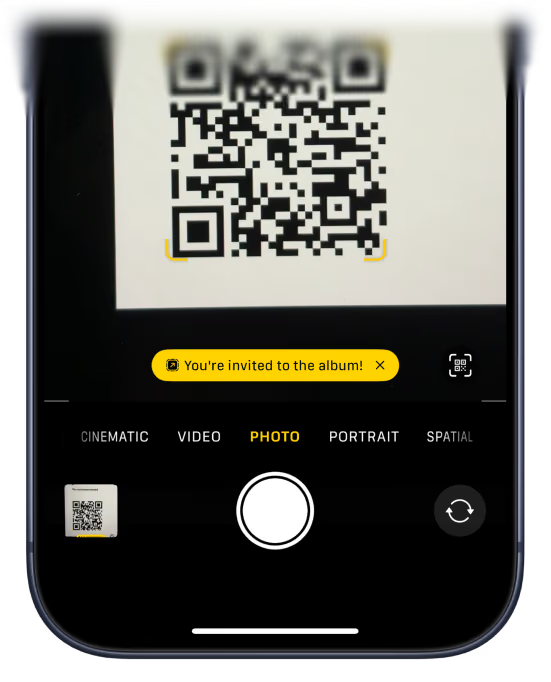
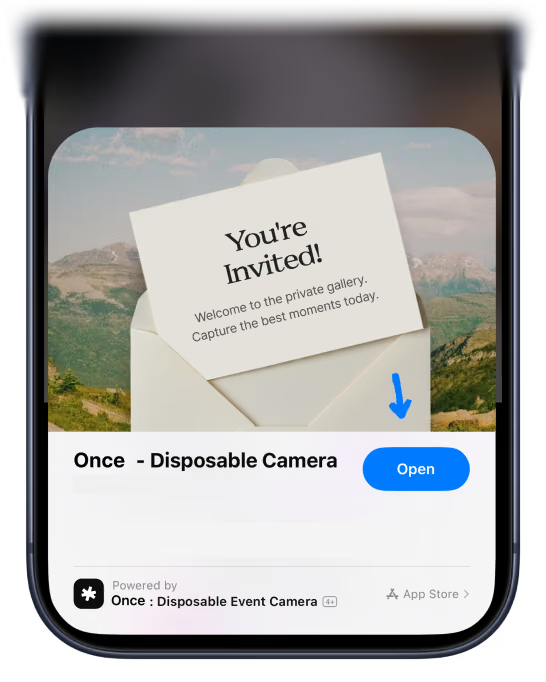
Guests point their phone camera at your QR code.
They are invited into the album with no app download or sign-up.
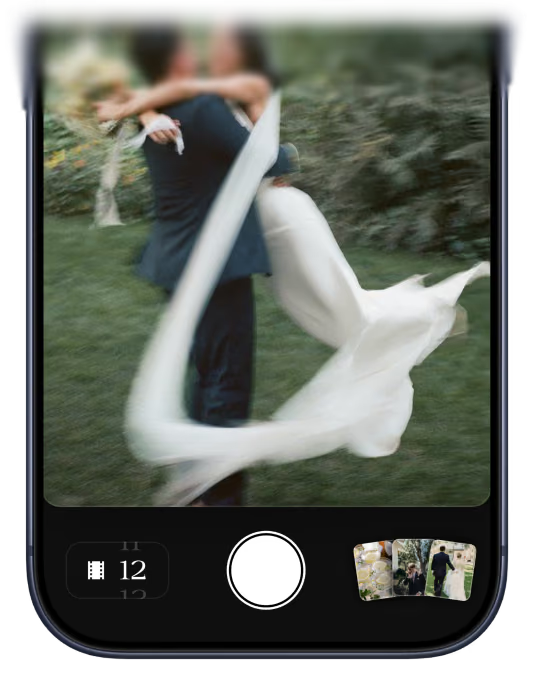
The Once camera opens and they can take photos straight away.
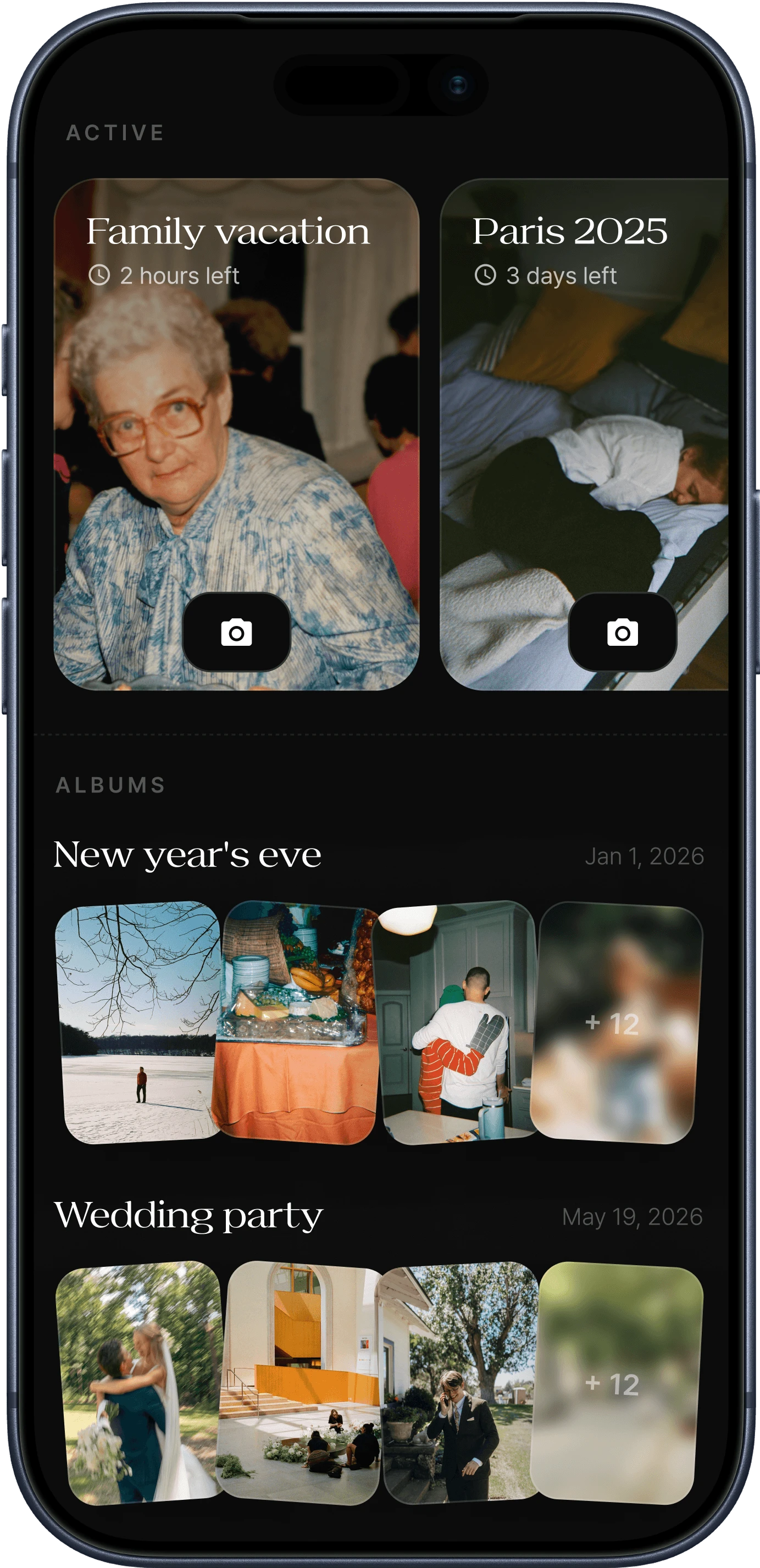
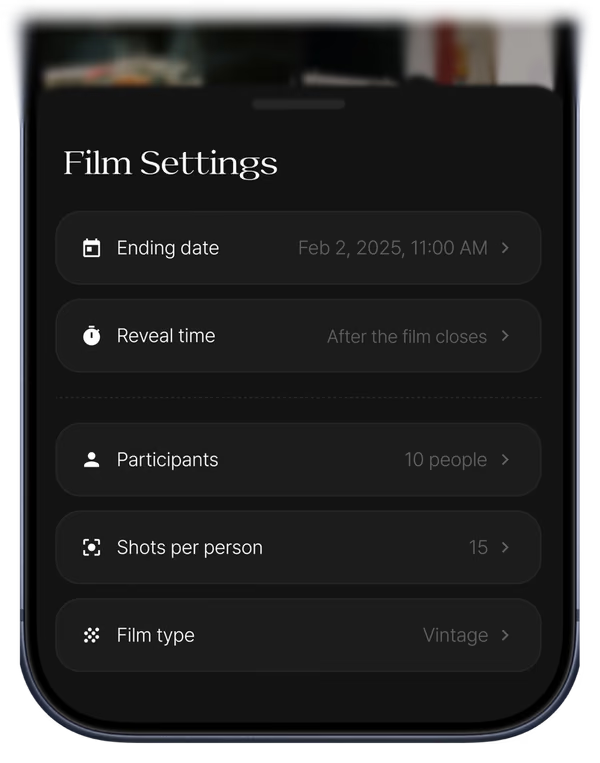
Beyond the name and cover, customize how many shots each camera gets and when the photos will develop, just like a real film roll.
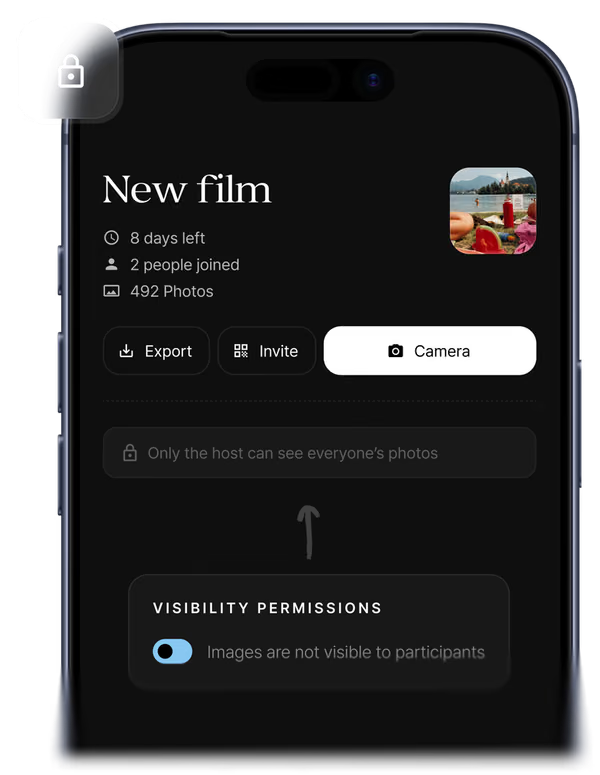
Decide whether to keep your film private or share it with everyone who made the day special.
FAQ
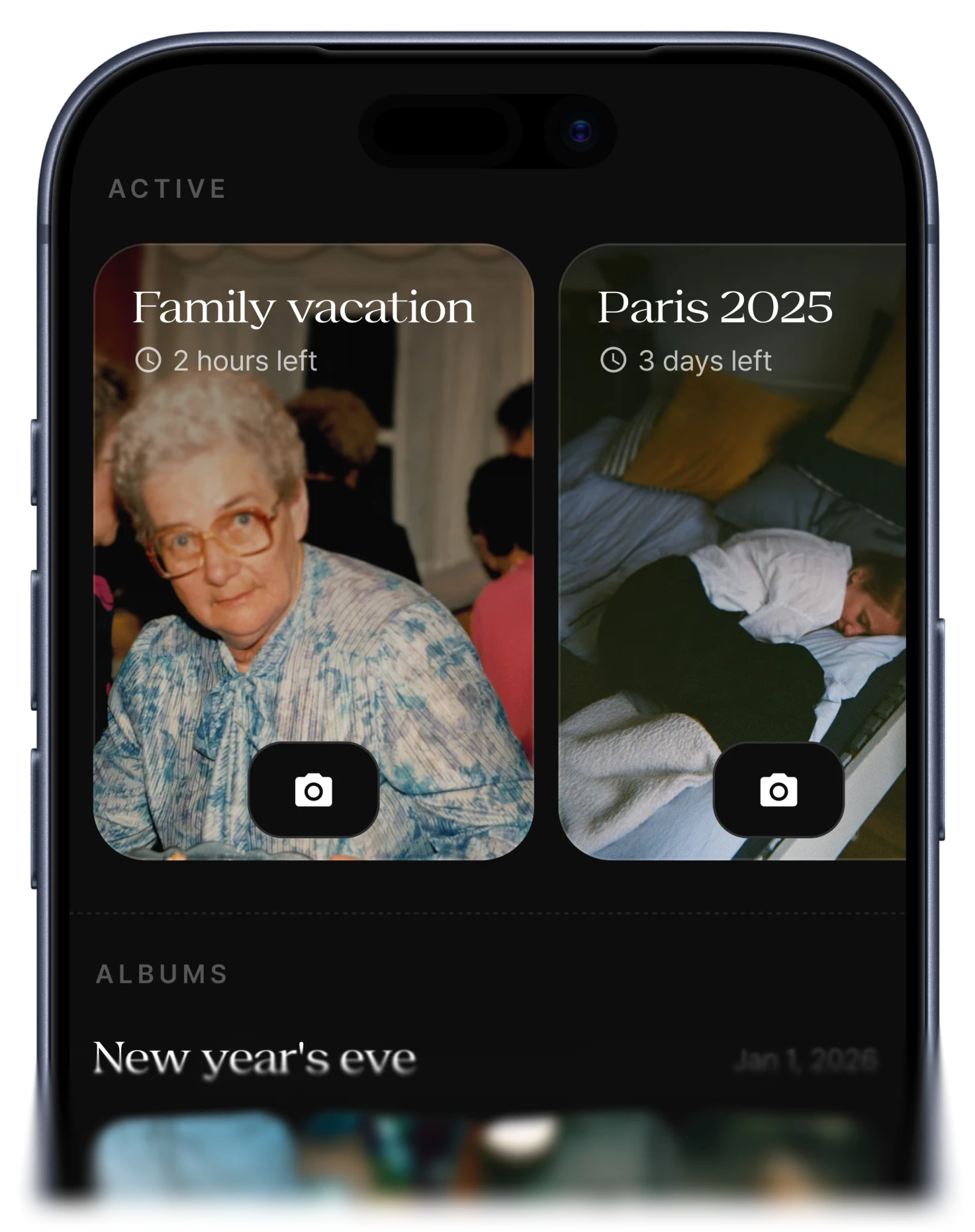
Once is a shared disposable camera app for weddings, parties and other events. The host creates a film and shares a QR code or link. Guests scan it and take photos with the Once camera, with no app to download, and each guest gets a set number of shots. When the film ends, the album is revealed to the host, or to everyone who joined if the host chooses.
Download the Once app on iPhone, or open join.once.film on Android. Name your film, choose how many shots each guest gets, and set when it ends. You then get a QR code and a link to share with your guests.
Yes. Friends can join a film through a link or QR code without installation or sign up. After the film is complete, if they wish to keep or download their photos, they can create an account and their photos will transfer automatically.
That is up to the film creator. When setting up the film, they can decide whether photos are visible only to themselves or to everyone who joined. No one outside the invited group can access the film.
You decide the duration such as a few hours, a day, or a week. Once the set time is up, everyone can view the film together.
Yes. Once your film is complete, you can log in and download your photos anytime from your profile.
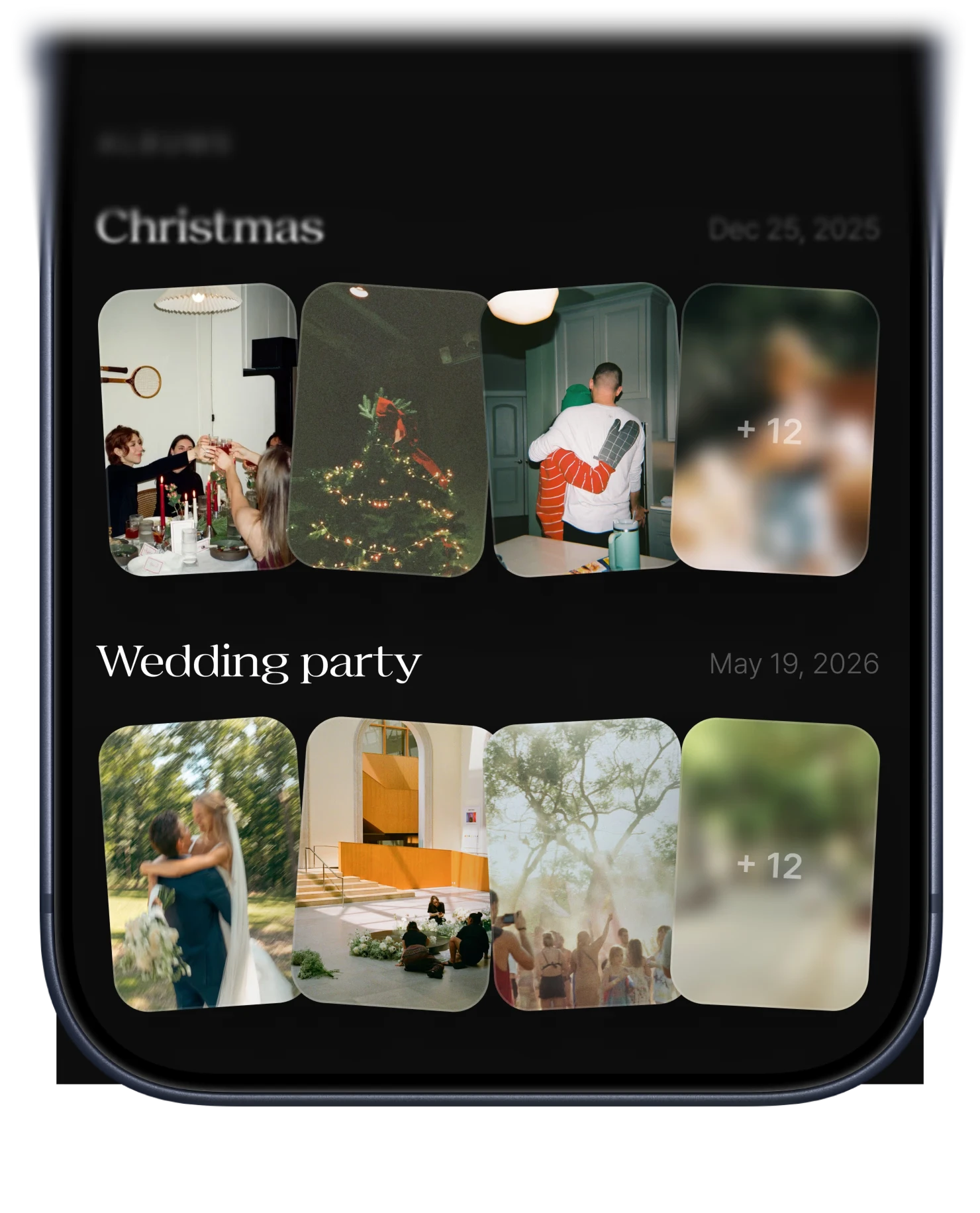
Once is perfect for birthdays, weddings, trips, Christmas gatherings, or even everyday life. It is made for anyone who wants to remember and share moments that matter.
Because every moment in life happens only once. We wanted to create a place where those moments could be captured through the eyes of the people who matter most so they become not just memories but shared treasures.