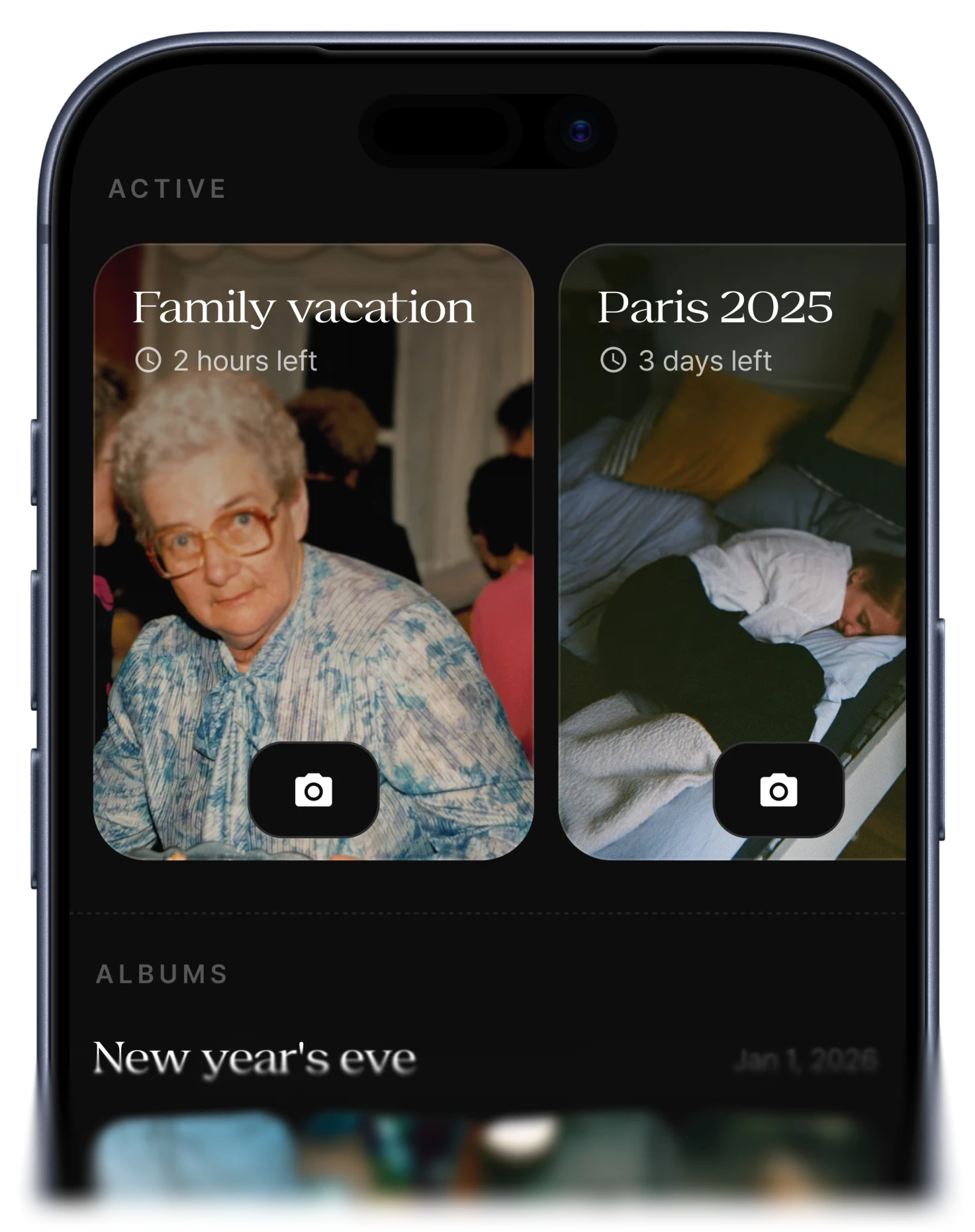
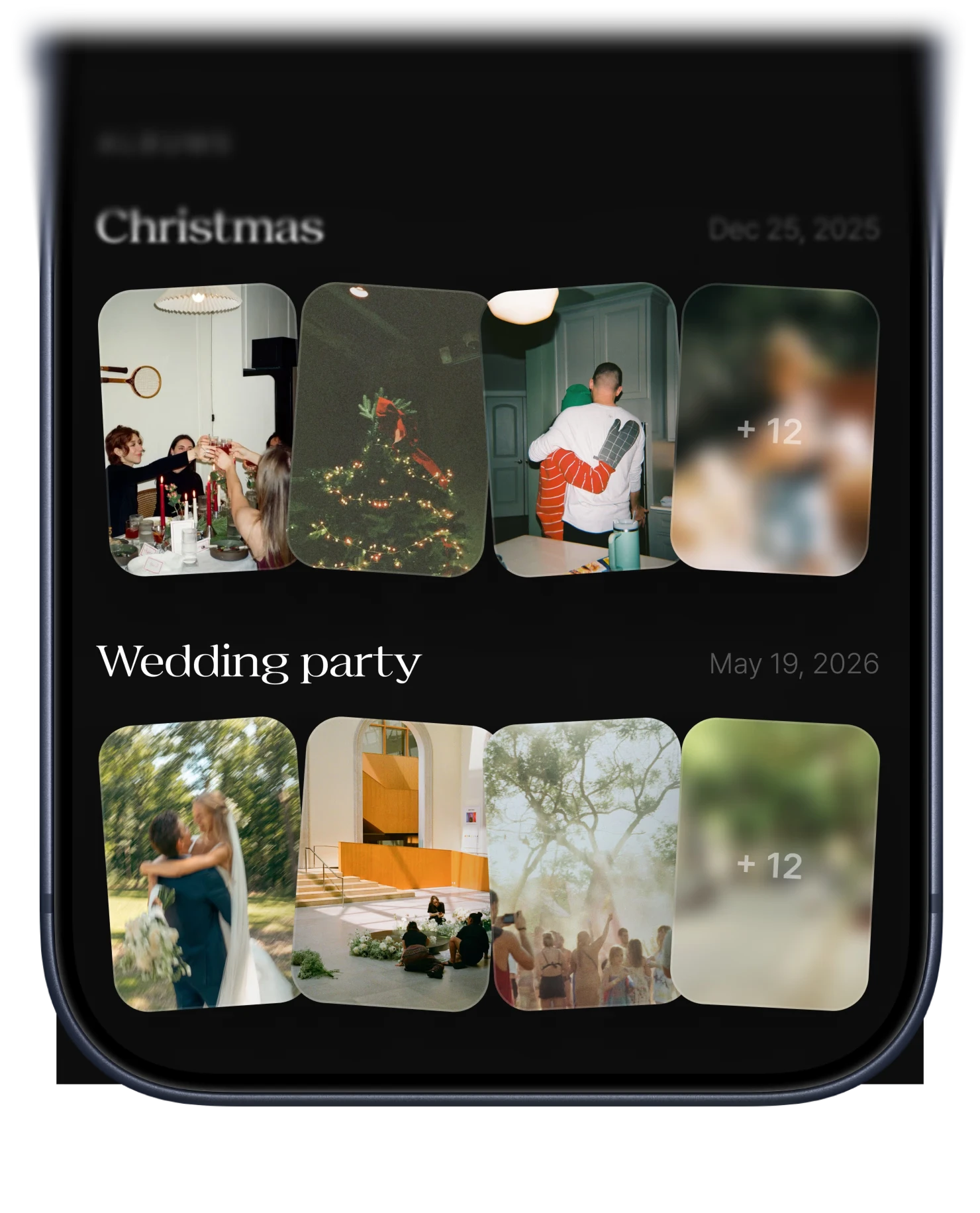
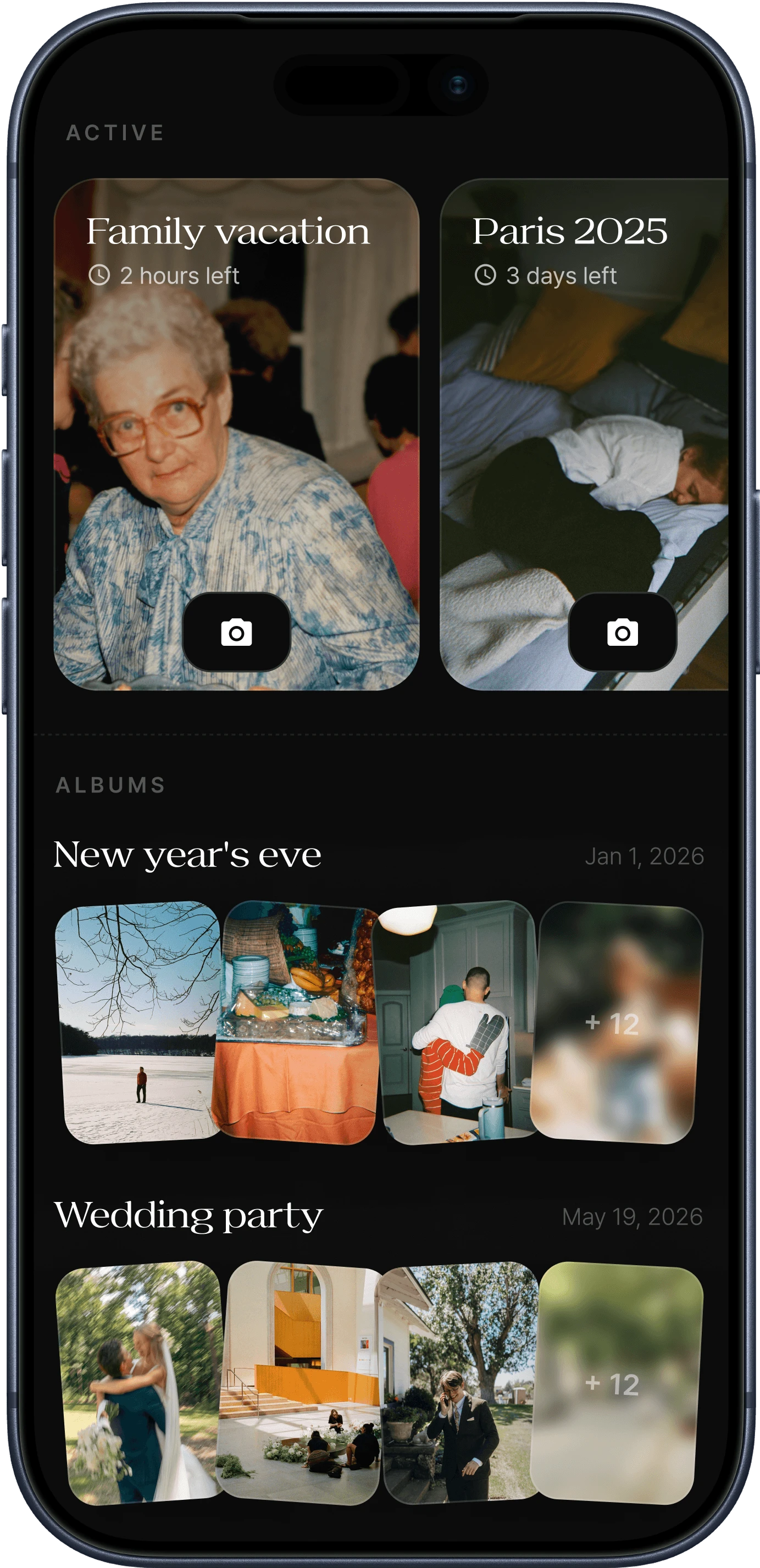
App Store
One QR code and link for the whole wedding
Create your film in the Once app and you get a QR code and a link straight away. Save the QR image and print it on a welcome sign, table cards or the order of service, or send the link in the group chat.
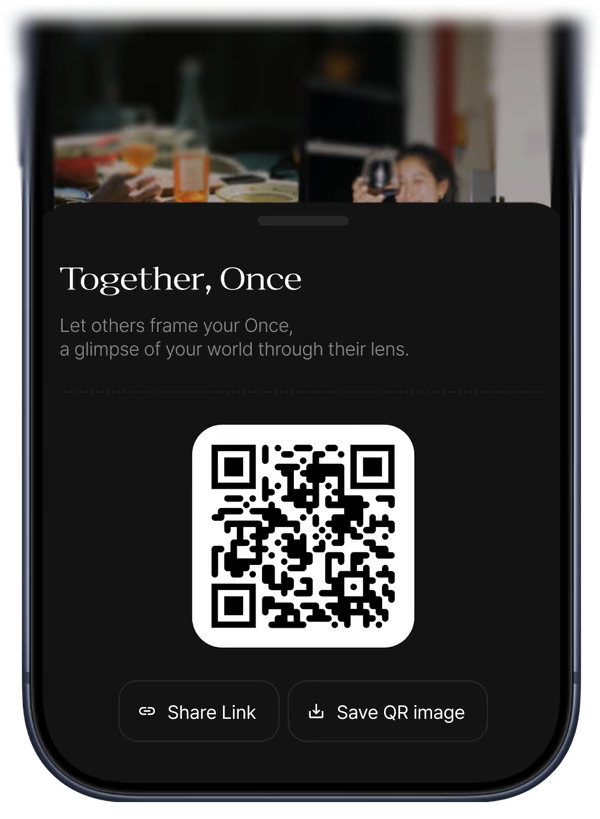

WEDDING PHOTO QR CODE
Put one QR code on your tables.Guests scan it and take photos on their own phones, with no app to download.The whole album is revealed after the wedding.
Create your wedding QR code
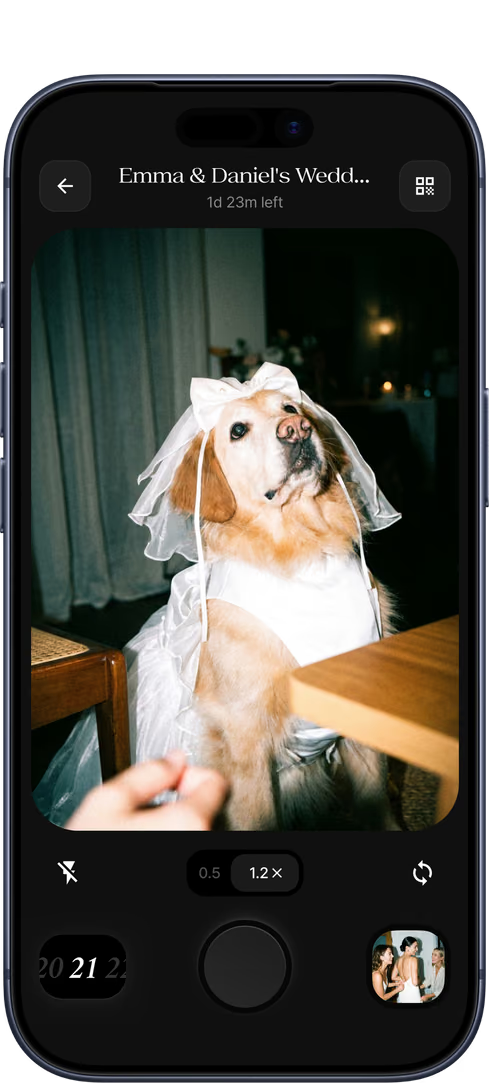
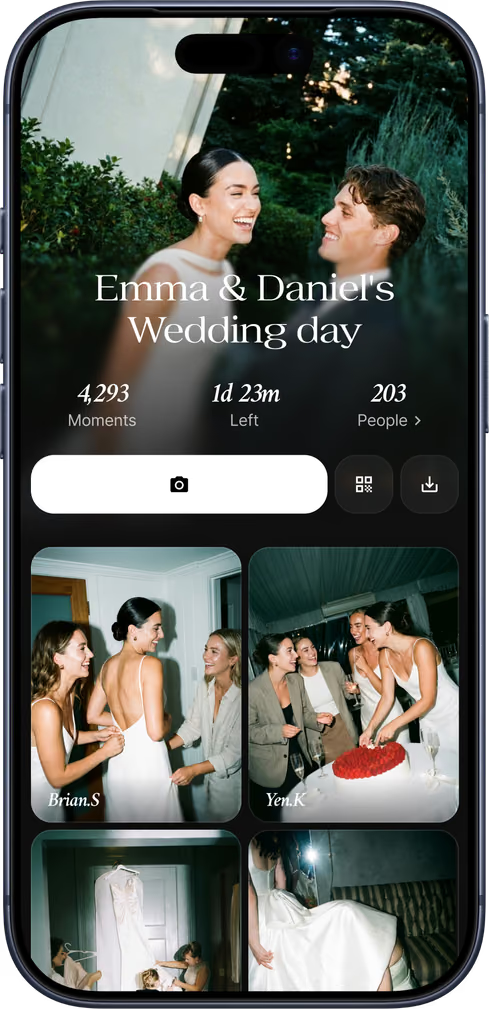
QR codes for wedding pictures work because nobody has to be asked twice. A guest points their phone at the sign on the table, and a few seconds later they are taking photos for you. Once is the disposable camera app for weddings built around that one scan.
Create your film in the Once app and you get a QR code and a link straight away. Save the QR image and print it on a welcome sign, table cards or the order of service, or send the link in the group chat.
You choose when the album is revealed: during the wedding, when it ends, or up to 24 hours later. Until then every photo stays blurred, so guests stay in the moment. Your photos are stored safely and never expire.
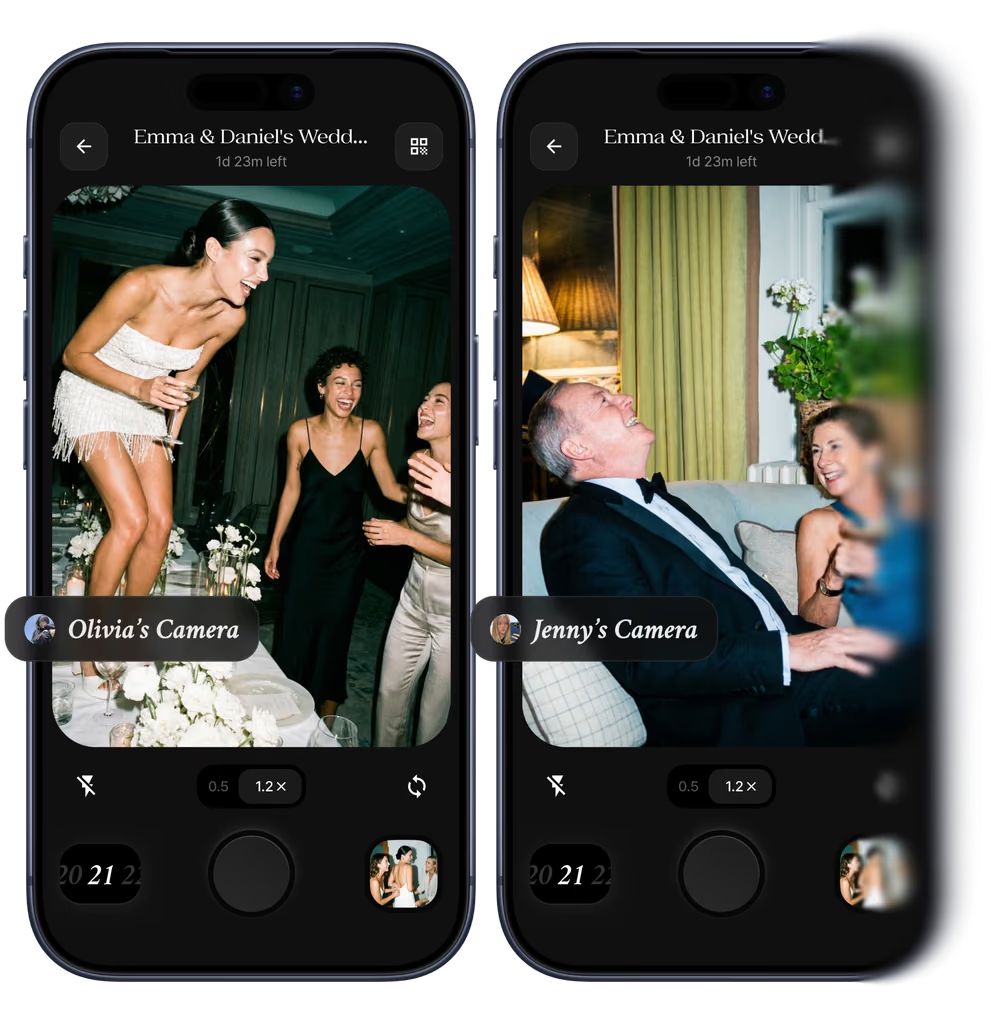
Nothing to install and nothing to sign up for.
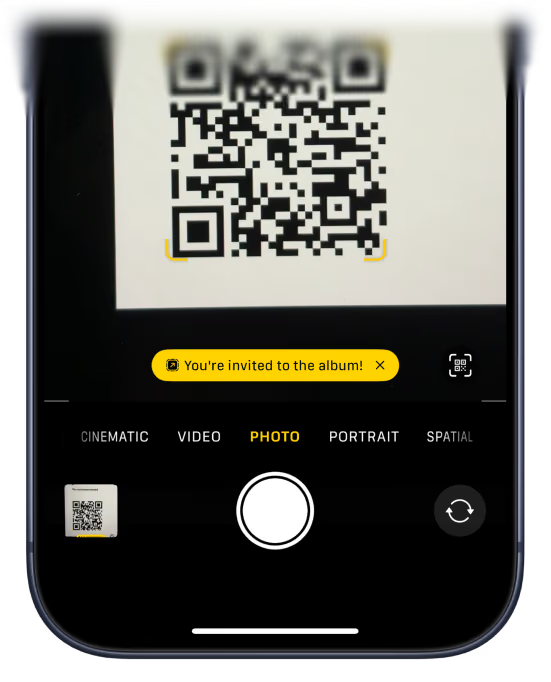
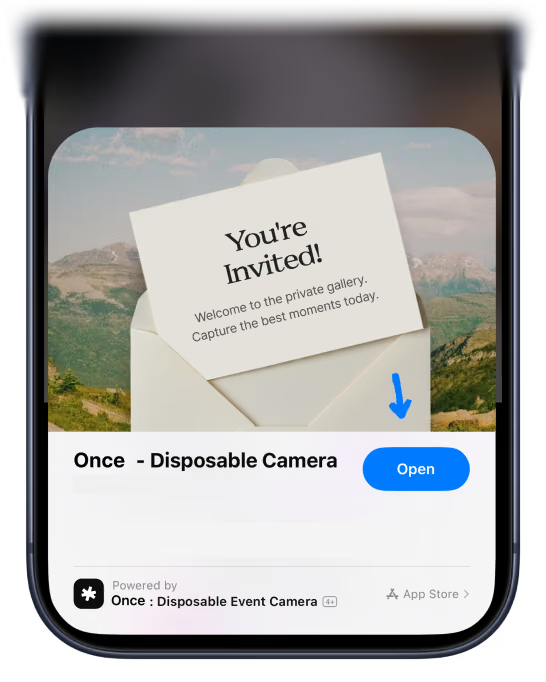
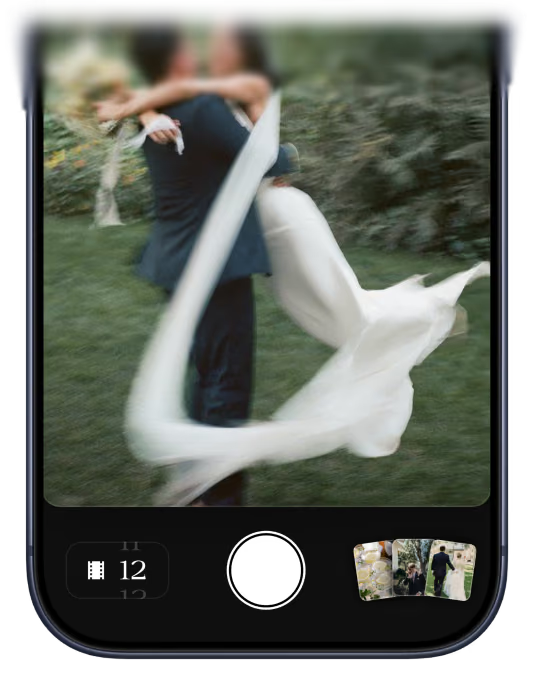
Guests point their phone camera at your QR code.
They are invited into the album with no app download or sign-up.
The Once camera opens and they can take photos straight away.
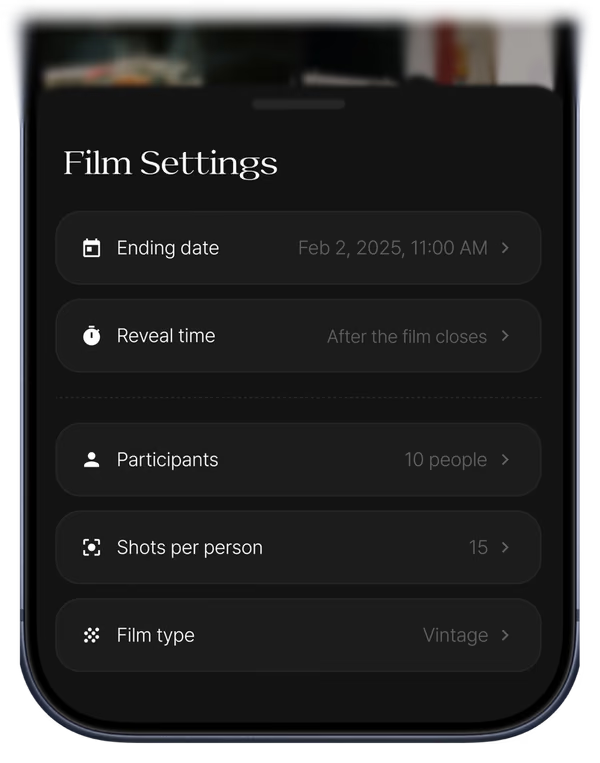
Choose how many shots each guest gets and when the photos develop. A limited roll means guests pick their moments, and you get an album worth looking through. Guests can also add photos from their camera roll that were taken on the day, and each one uses a shot.
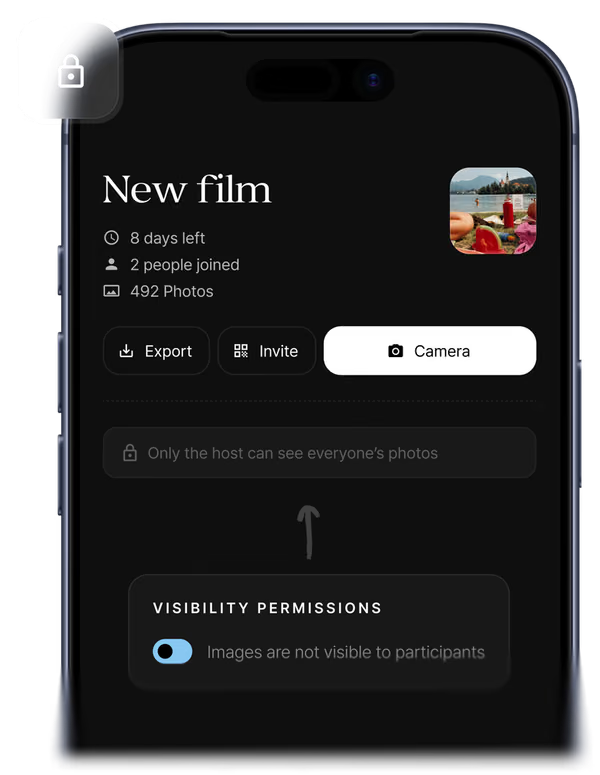
Only you and the guests who joined can view the album, and you can set it so guests see only their own photos. Once is free for up to 5 guests, then one payment per wedding with no subscription. See pricing, or add Tape, the audio guest book, with its own QR code.
FAQ
You create a shared album, called a film, in Once and get a QR code for it. Guests scan the code with their phone camera and start taking photos with the Once camera in a few seconds. Every photo goes into one album, which is revealed to you when the film ends.
No. Guests scan the QR code or open the link, enter their name and start taking photos, with no app to download and no account to create. If they want to keep their own photos afterwards, they can create an account later and their photos transfer automatically.
Download Once on iPhone, or open app.once.film/start on Android, and create your film. You get a QR code and a link straight away. Save the QR image from the invite screen, then print it as it is or add it to your own welcome sign, table cards, menus or invitations. The code stays the same for the life of the film, so it is safe to print weeks ahead.
You decide. The album can be revealed during the wedding, when the film ends, or from 1 to 24 hours after it ends. Until the reveal every photo stays blurred, including a guest’s own.
Yes. Once is free for up to 5 guests, which is enough to try it before the wedding. The host uses one of those places if they take photos too. Larger films are a one-time payment per event, based on how many guests can join. There is no subscription and nothing renews.
Yes. As well as using the Once camera, guests can add photos from their camera roll that were taken during your wedding. Each one uses one of their shots. Videos are not included.
Yes. Guests on iPhone and Android join by scanning the QR code, with nothing to install. Hosts create a film in the Once app on iPhone, or at app.once.film/start on Android.
Only you and the guests who joined can view the album. Anyone with your QR code or link can join while there are places left, so share it only with your guests. You can set the film so guests see only their own photos, and you can remove any photo or guest.
Yes. Each event gets its own film and its own QR code, so it works the same way for a hen or bachelorette party, an engagement party, a rehearsal dinner or a birthday. For voice messages, Tape by Once is an audio guest book that guests also open from a QR code.
More on this: how to collect wedding photos from guests.